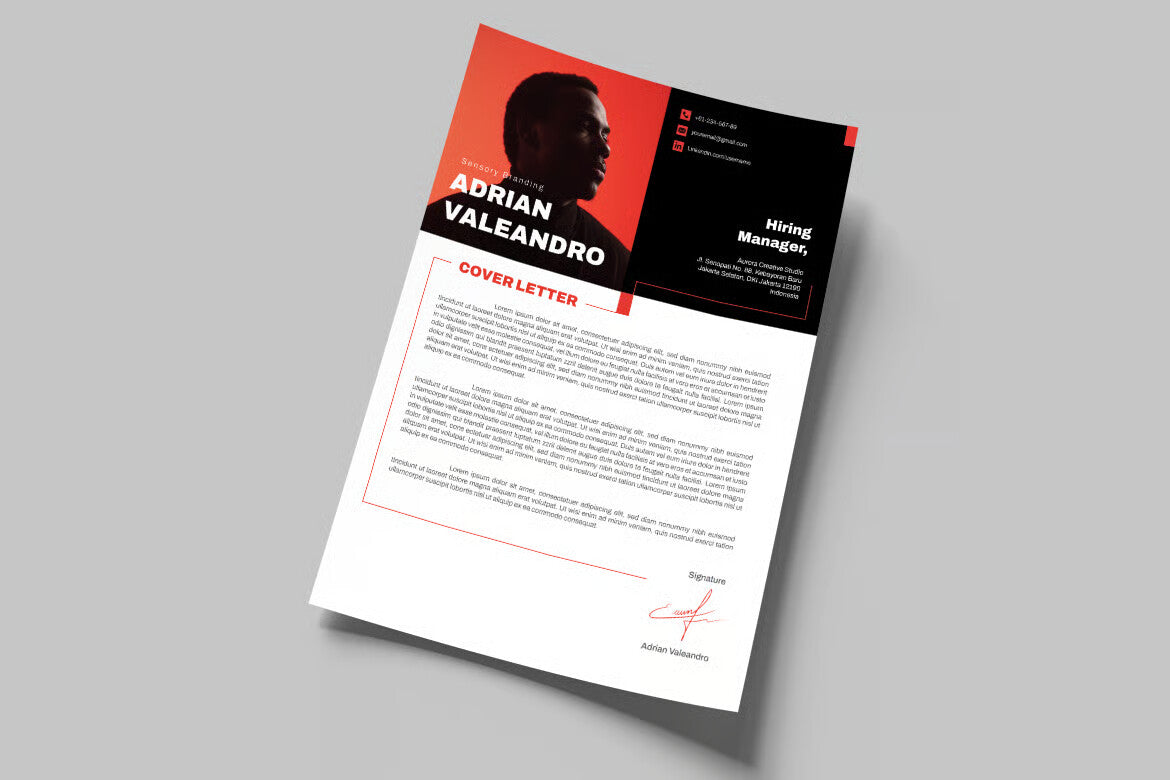
All the fonts we use in this template are free. Please download the font file at the following link to get the same result as the preview of this template. And Image not included with the item.
How to Customize Your Image:
1. Navigate to File > Place to insert your desired photo. 2. Make sure the photo is positioned beneath the shape photo layer in the Layers panel. 3. Select both the shape and the photo layers together. 4. Right-click and choose "Make Clipping Mask" to seamlessly apply your image within the shape.
Easily personalize your design in just a few clicks—perfect for showcasing your content with style and precision.
*Basic knowledge required to edit the template, you must have compatible software.